Practice Management Platform
Watson Dental
Clinical case work and day-to-day lab operations, connected across one practice management platform.
- Client
- Watson Dental
- Industry
- Practice Management
- Platform
- Web
 , enlarge to full resolution
01
Overview
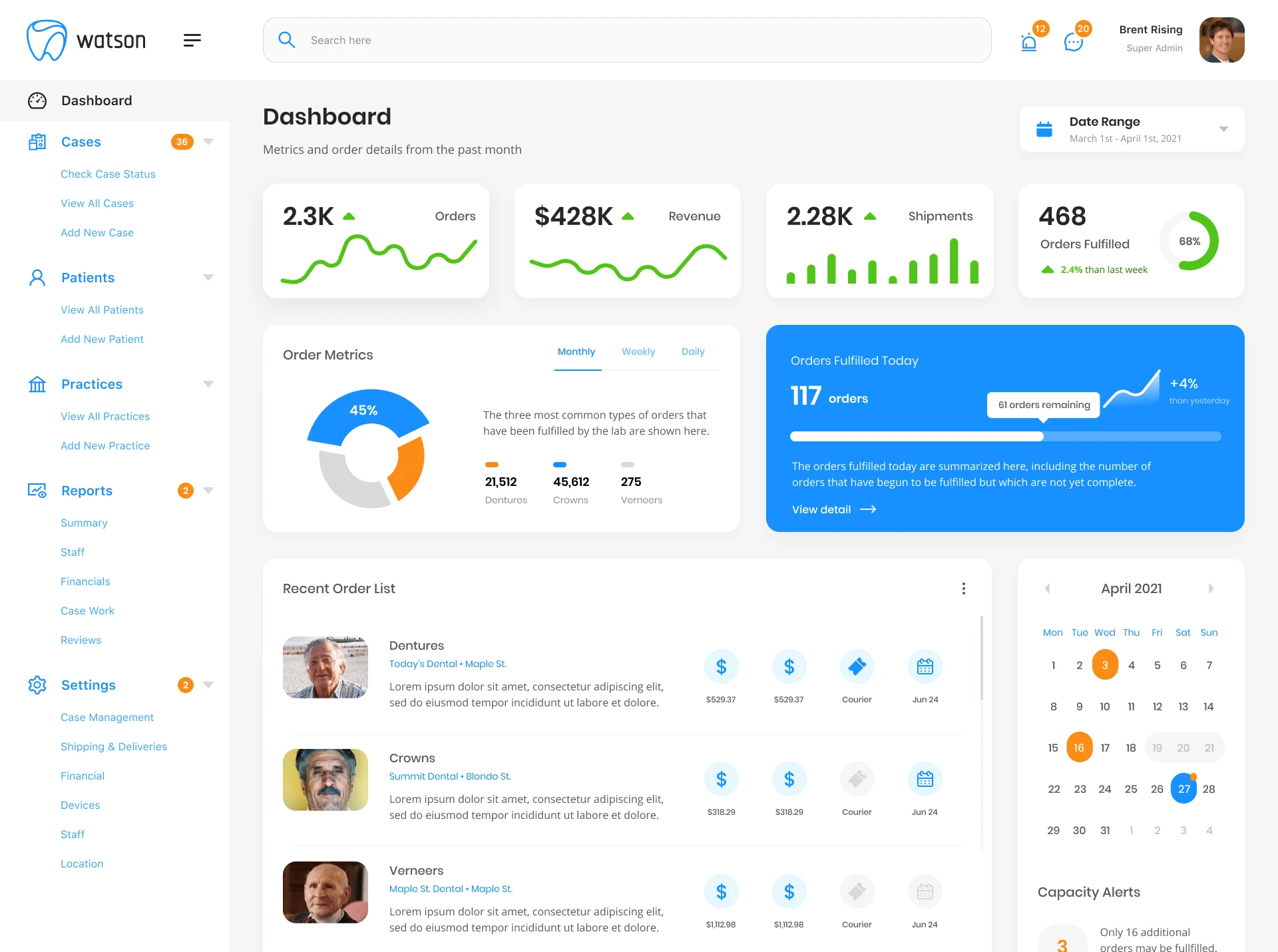
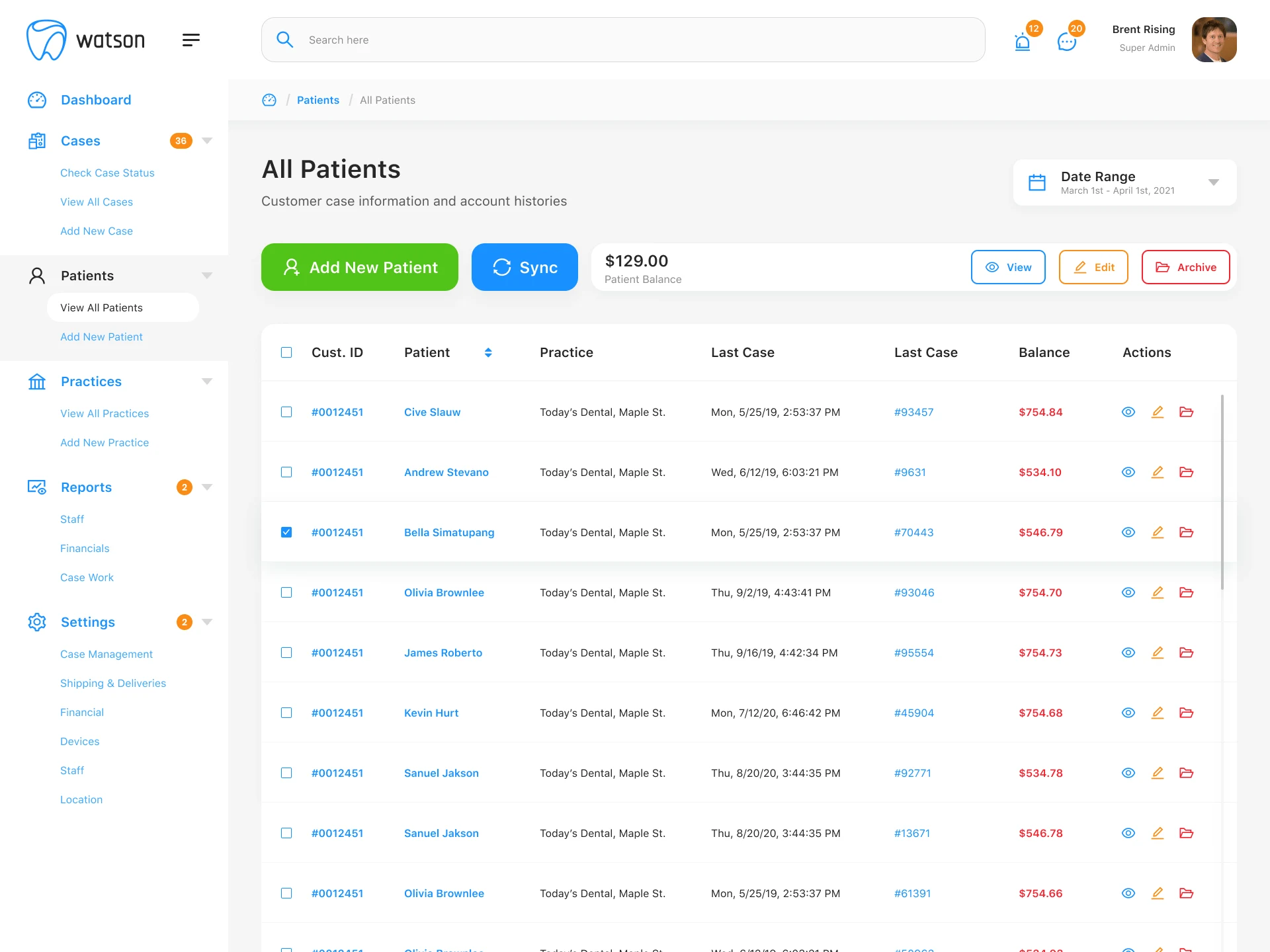
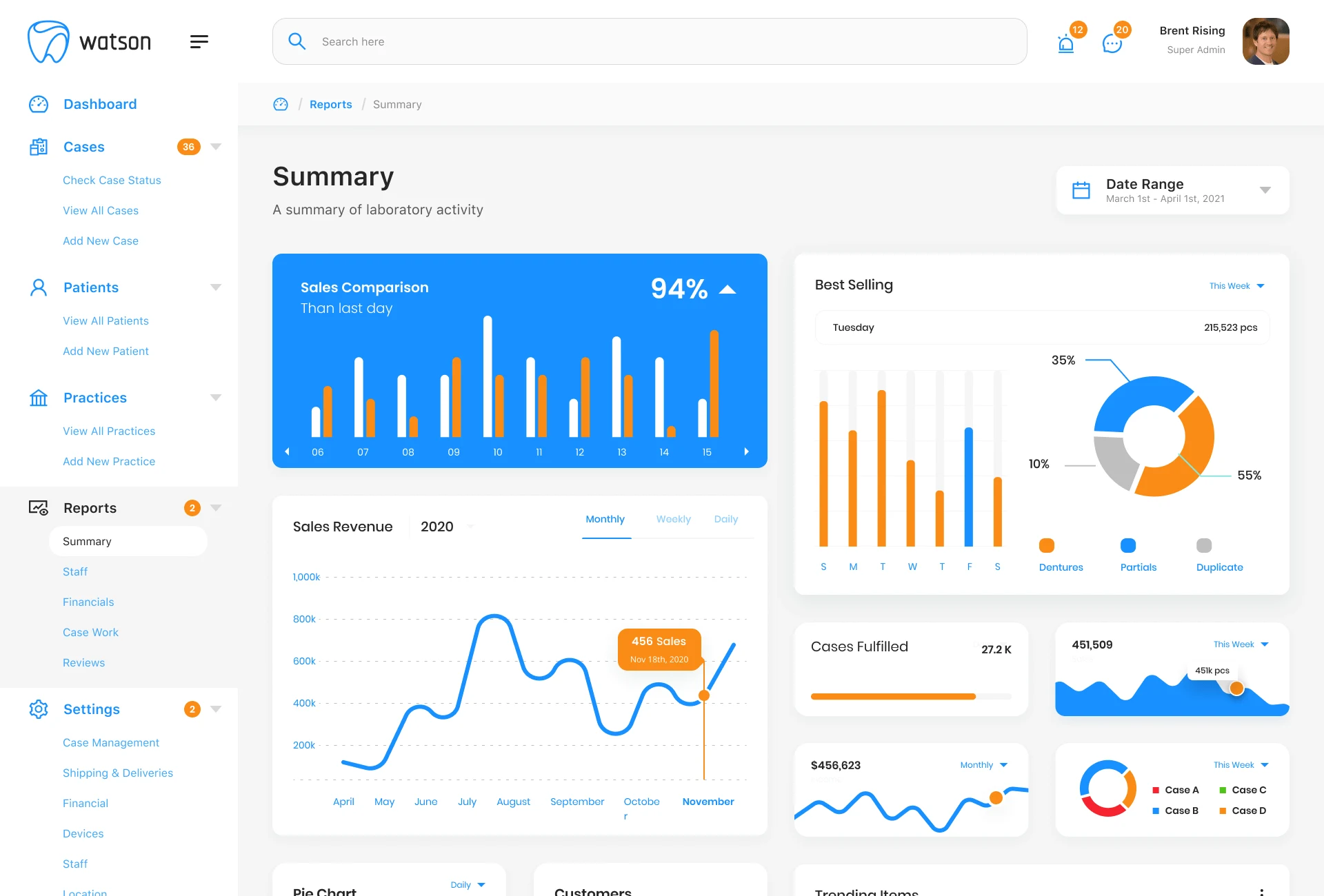
Watson Dental is a web-based practice management platform that helps dental labs manage patient records, scheduling, staffing, billing, reporting, and day-to-day clinical operations.
It combines administrative workflows with patient care information into a single connected system.
02
Challenge
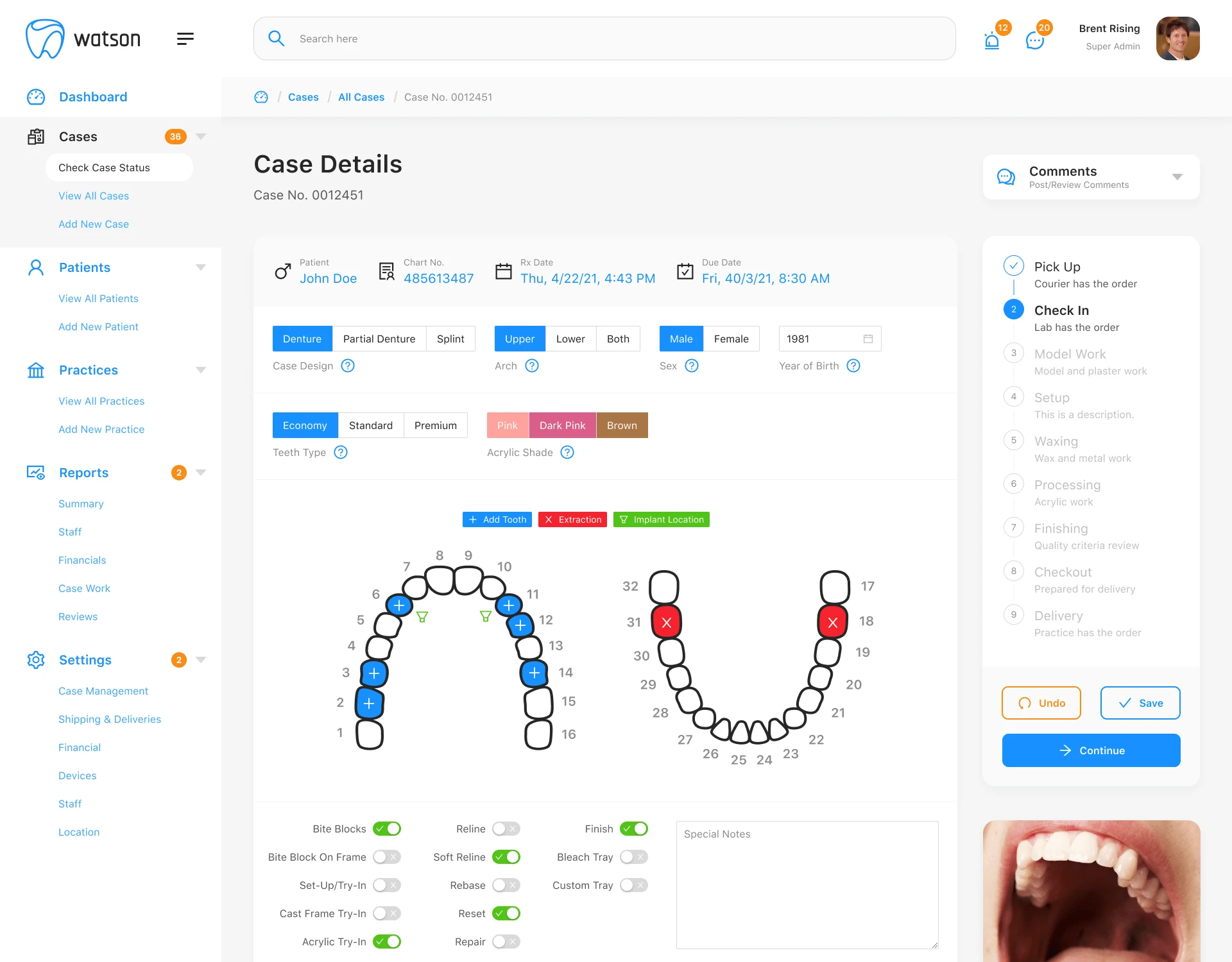
Dental practices need fast access to both operational and clinical information. Administrative staff need scheduling, billing, reporting, and patient management; technicians need clear treatment details, imaging, case history, and current status. The challenge was designing an interface that keeps all of that organized without overwhelming staff in the middle of a busy clinical workflow.
03
My role and approach
I was the product designer for Watson Dental, working across the platform's dashboards, patient and case management, treatment workflows, reporting, and day-to-day administration. The real work was giving equal weight to two different needs at once: the operational overview a manager scans in seconds, and the detailed clinical record a technician relies on for the length of a case.
 , enlarge to full resolution
 , enlarge to full resolution
 , enlarge to full resolution
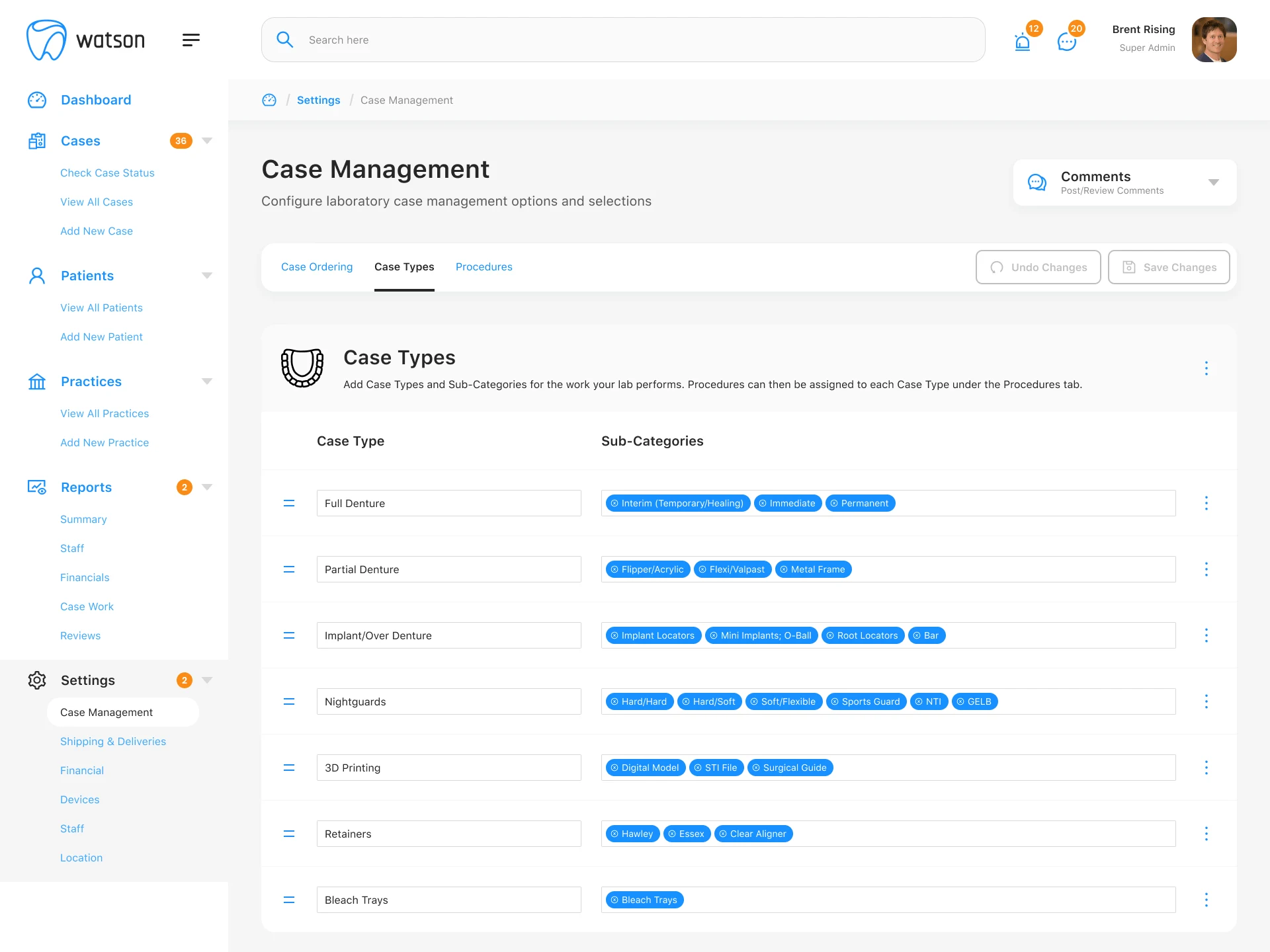 , enlarge to full resolution
04
Outcome
One platform, unifying clinical workflows and business operations so a practice could manage patient care and administration in the same place.
Designing software for healthcare means designing for confidence as much as function. Every screen in Watson Dental carried information that fed into a patient's care somewhere down the line, whether it was a tooth chart, a case status, or a due date, so clarity mattered more than how interesting any one screen looked.
That's what stayed with me. Enterprise software can hold enormous complexity without feeling overwhelming, as long as hierarchy, workflow, and context are given as much care as the screen itself.