Fitness Platform
Fusionetics
Movement assessment, corrective training, and coaching, connected across a coach's web application and an athlete's mobile app.
- Client
- Fusionetics
- Industry
- Health & Performance
- Platform
- Web + Mobile
 , enlarge to full resolution
01
Overview
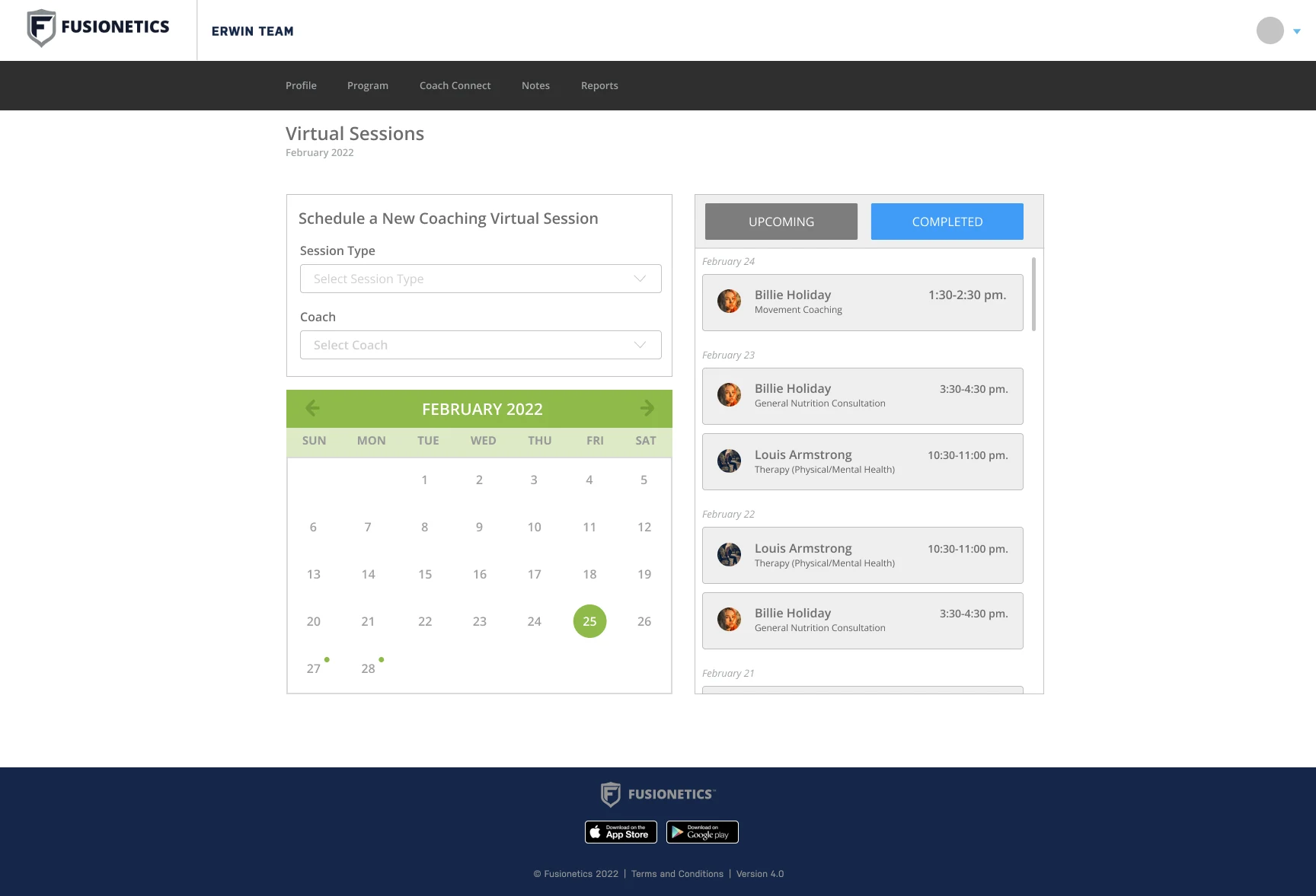
Fusionetics is a connected platform that helps coaches assess athletic movement and guide corrective training through coordinated web and mobile experiences.
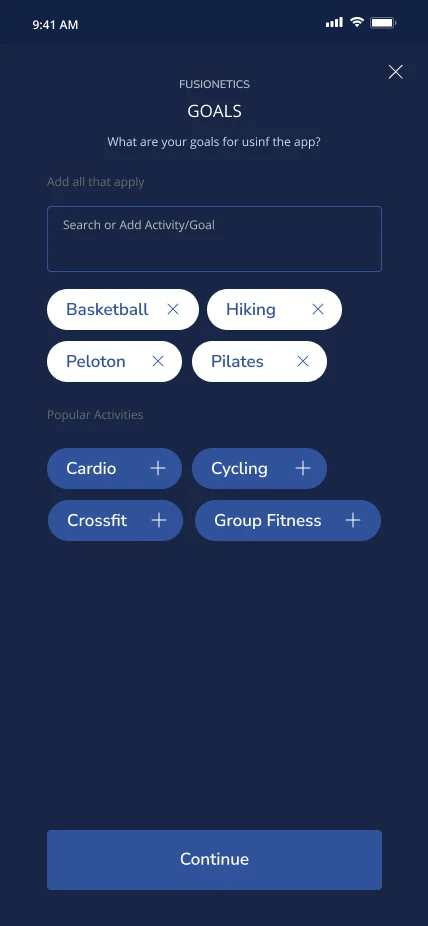
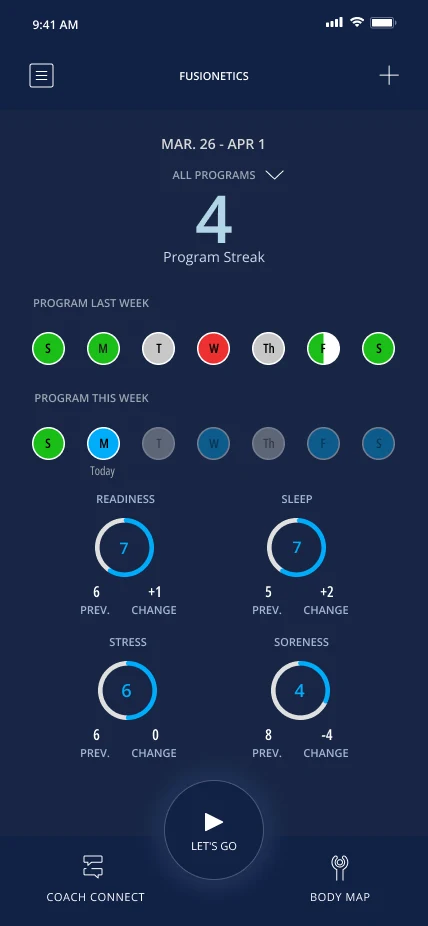
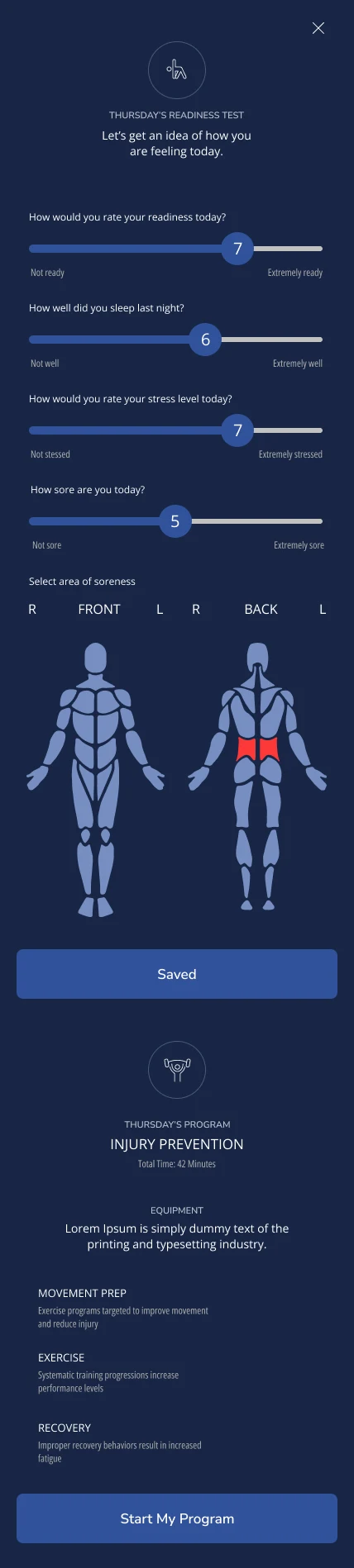
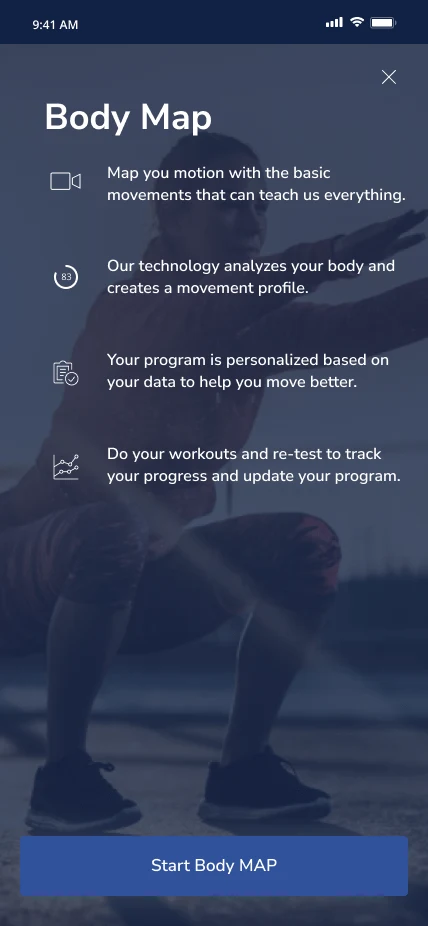
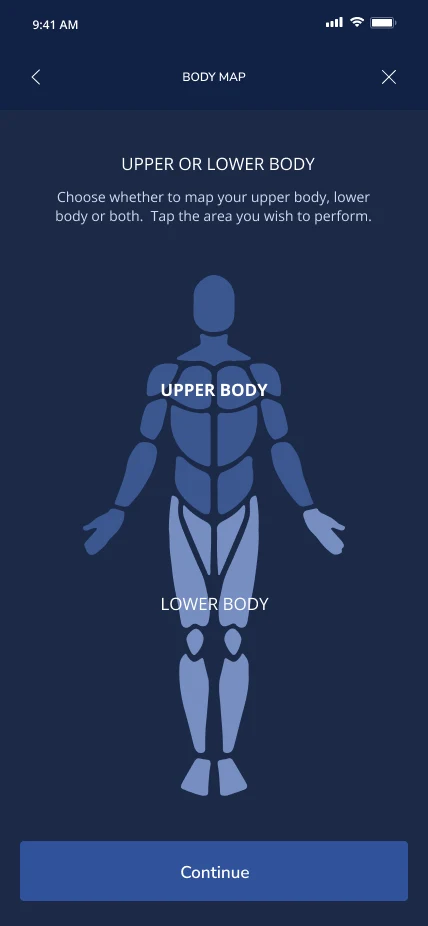
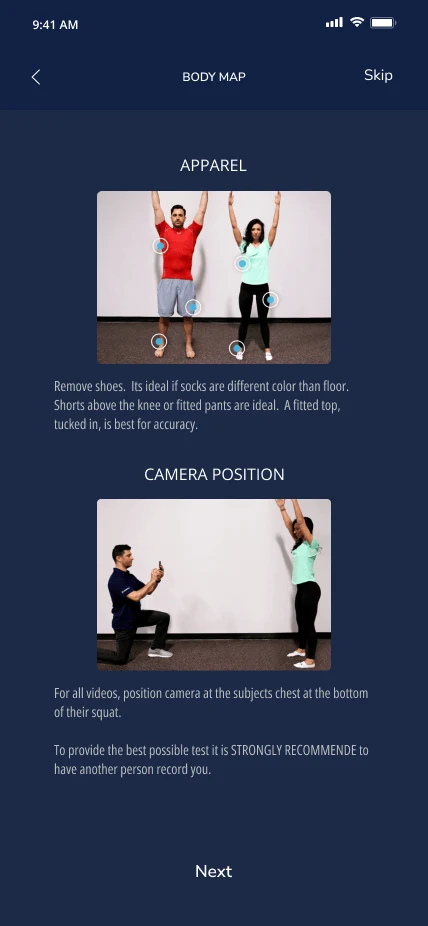
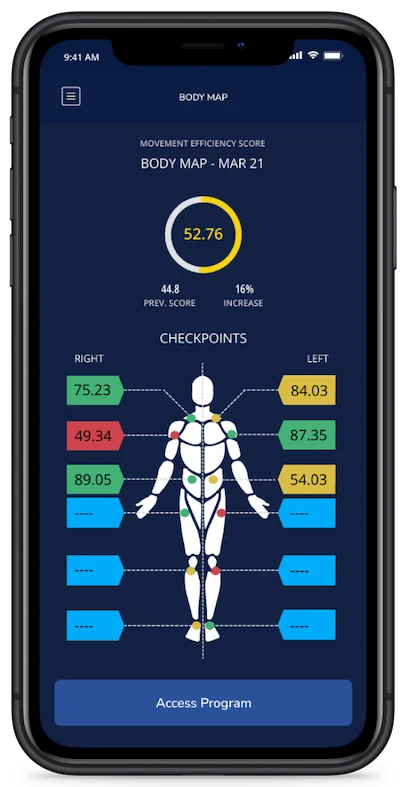
Coaches use the web application to evaluate movement patterns and prescribe corrective programs; athletes use a companion mobile app to complete exercises, follow guided therapies, and access instructional video that reinforces each recommendation. Together, they turn assessment, coaching, and execution into a single workflow.
02
Challenge
Fusionetics serves two very different people from one system. A coach needs efficient assessment, review, and program management; an athlete needs a focused mobile experience that supports physical activity rather than distracting from it. The challenge was designing two applications that feel like one connected product while staying optimized for the person actually using each one.
03
My role and approach
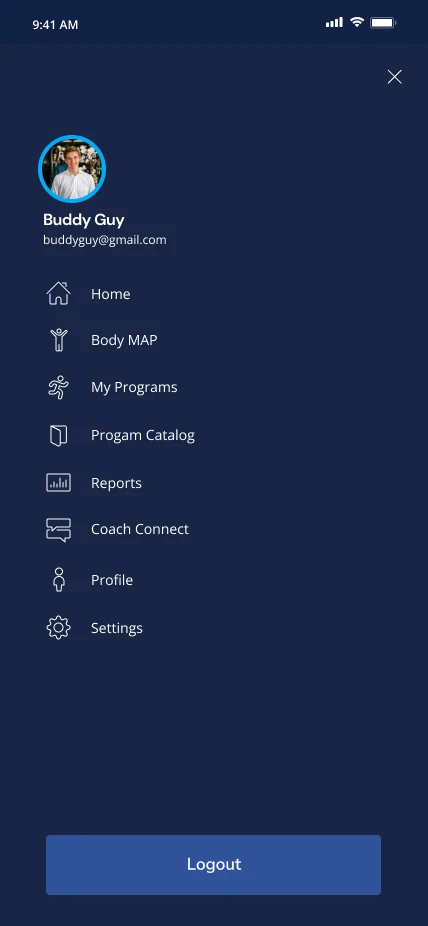
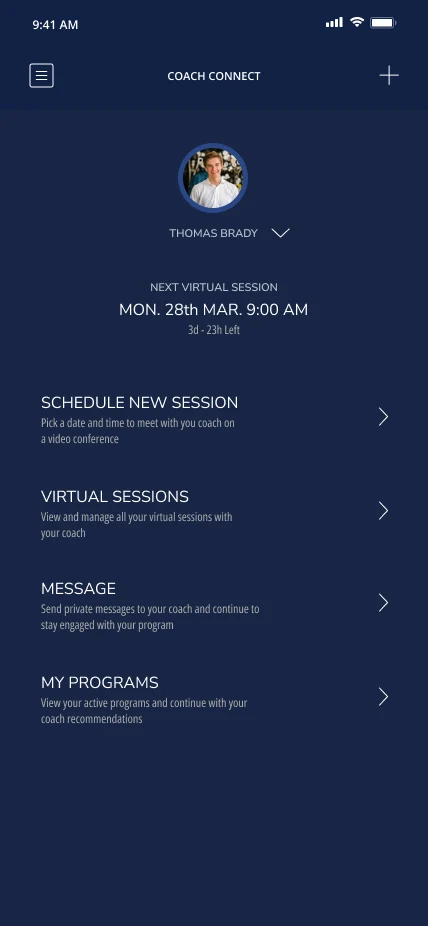
I was the product designer for Fusionetics, working across both the coach-facing web application and the athlete-facing mobile app. The real work wasn't either interface on its own. It was connecting movement assessments, corrective recommendations, instructional content, and guided exercise into one experience that held together across both.
 , enlarge to full resolution
 , enlarge to full resolution
 , enlarge to full resolution
 , enlarge to full resolution
 , enlarge to full resolution
 , enlarge to full resolution
 , enlarge to full resolution
 , enlarge to full resolution
 , enlarge to full resolution
 , enlarge to full resolution
04
Outcome
One ecosystem: assessment, coaching, corrective programming, and guided exercise, spanning web and mobile, built as one product rather than two.
Designing Fusionetics taught me something a single application never quite forces you to learn: a product ecosystem isn't two interfaces, it's one experience seen from two different chairs. A decision made for the coach's dashboard had a way of showing up, days later, in how the athlete's program actually felt to open.
That's what stayed with me. Not the assessment flow, not the coaching tools on their own, but the discipline of designing for two people at once, without ever treating either one as secondary.